Bilingual campus design
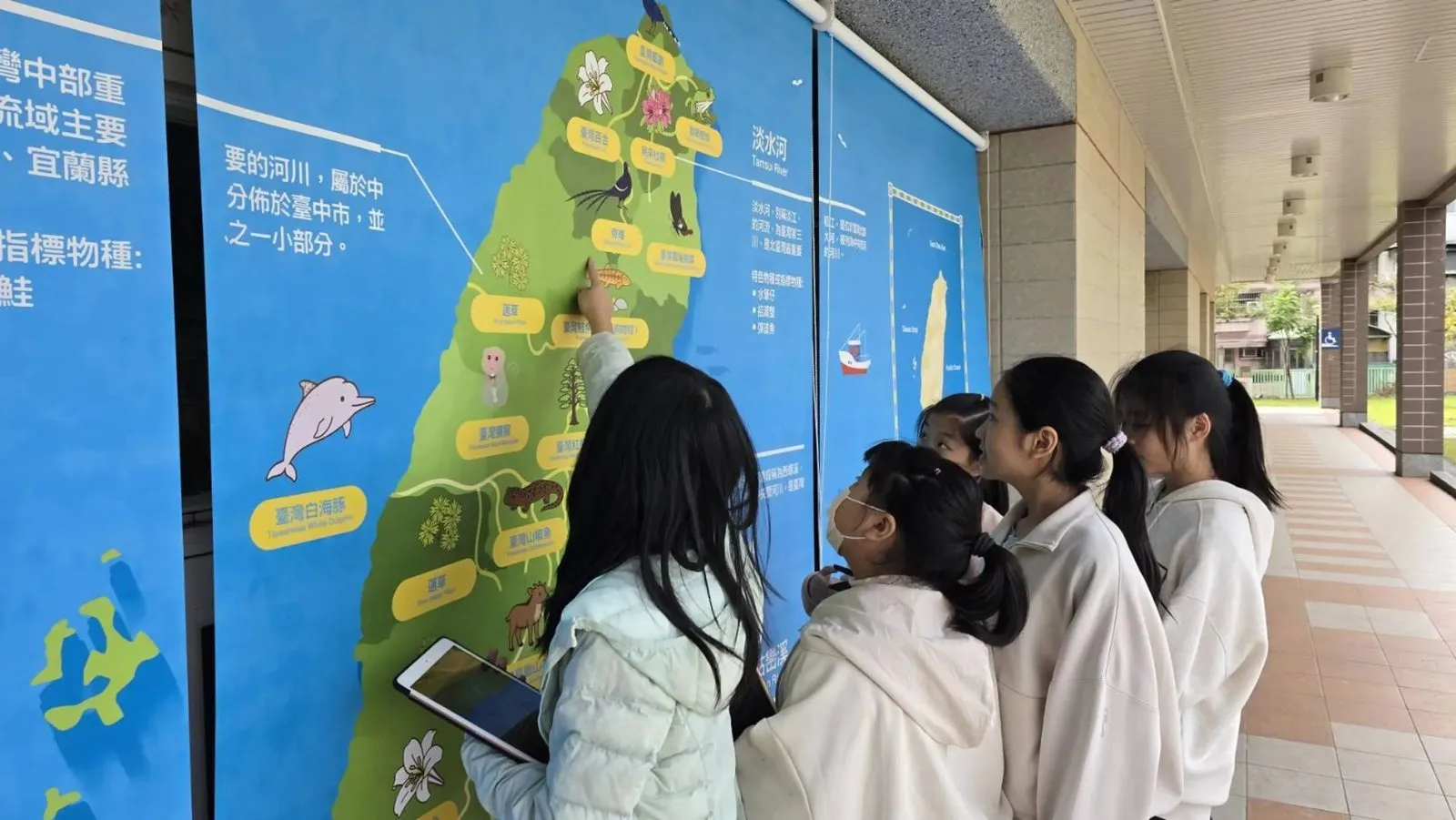
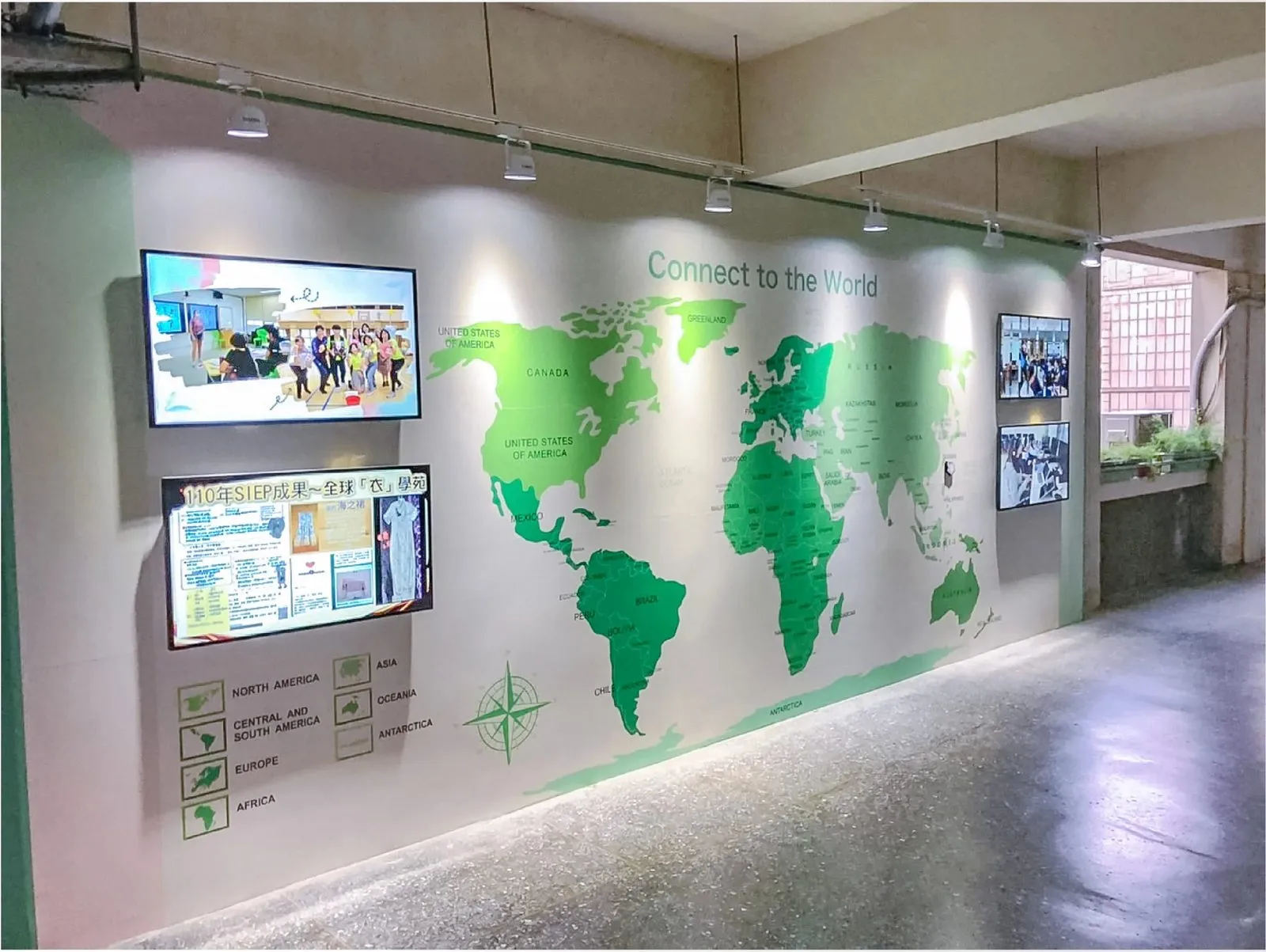
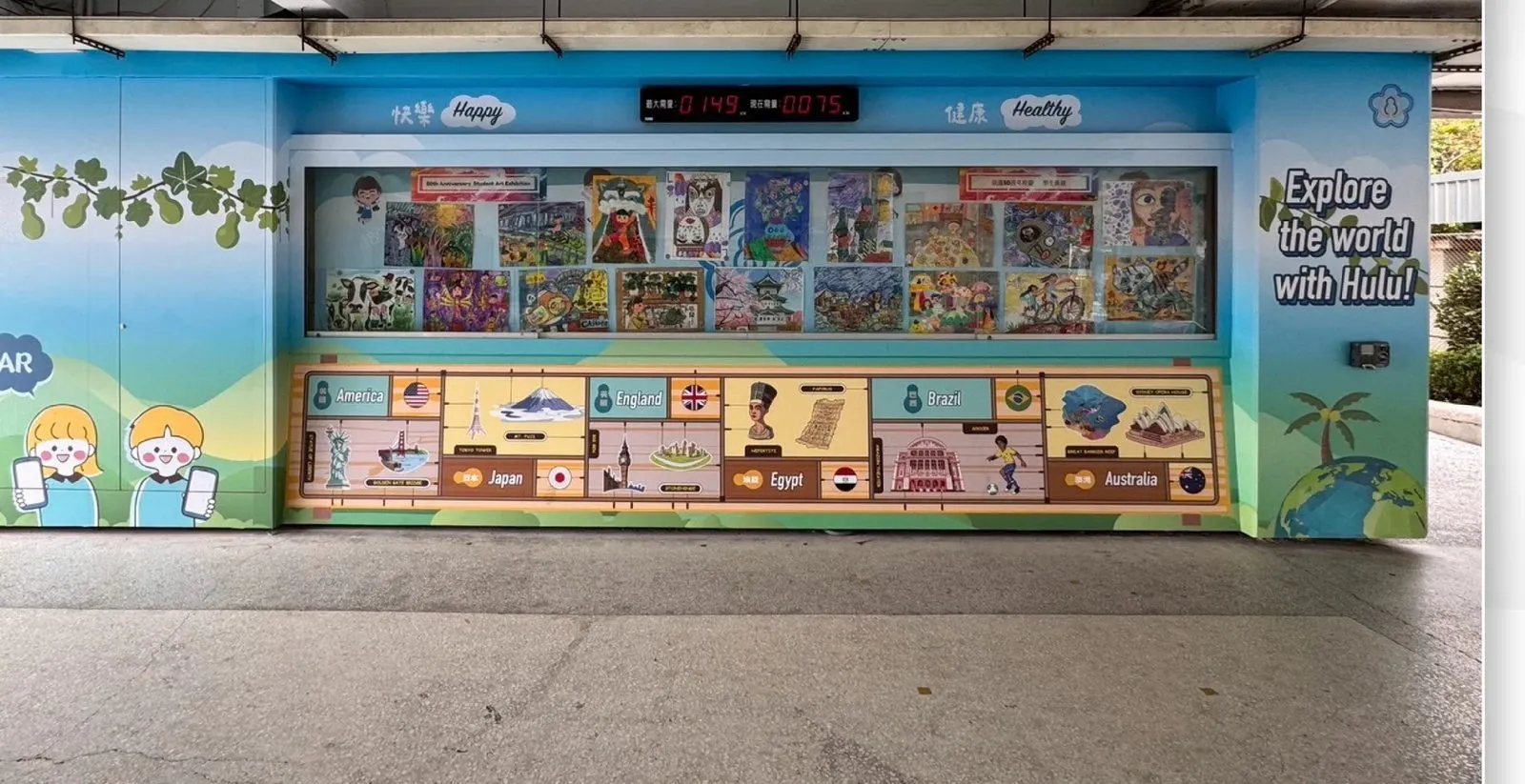
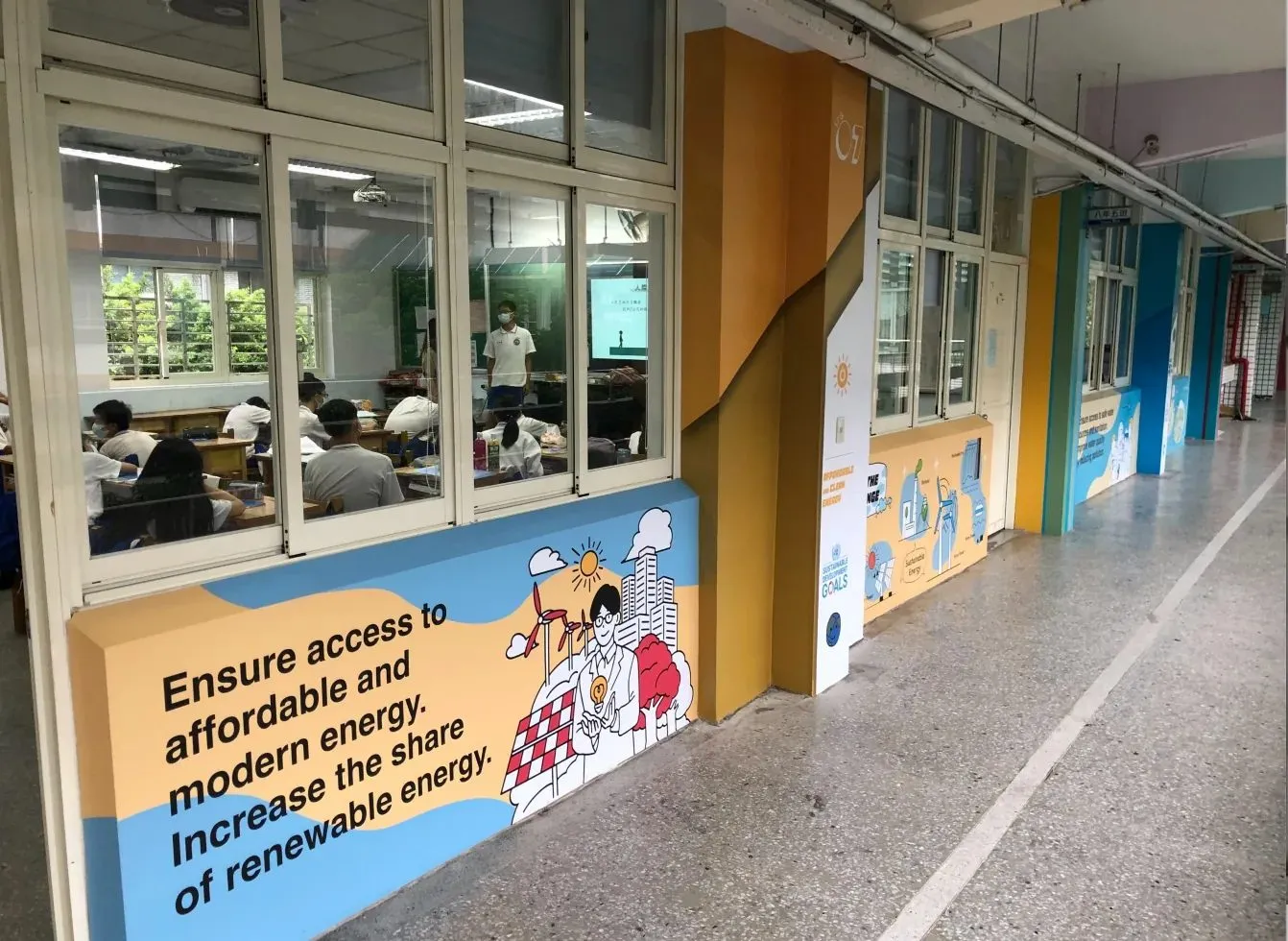
LiveABC designs and installs bilingual learning environments for schools, from signage and wayfinding to themed walls and classrooms. Each design reflects the school's own character, and the work covers interior fit-out, outdoor landscaping, large-format printing, roller-blind displays and classroom equipment.
- Bilingual signs, wayfinding and classroom plates
- Bilingual stairway slogans and school-entrance features
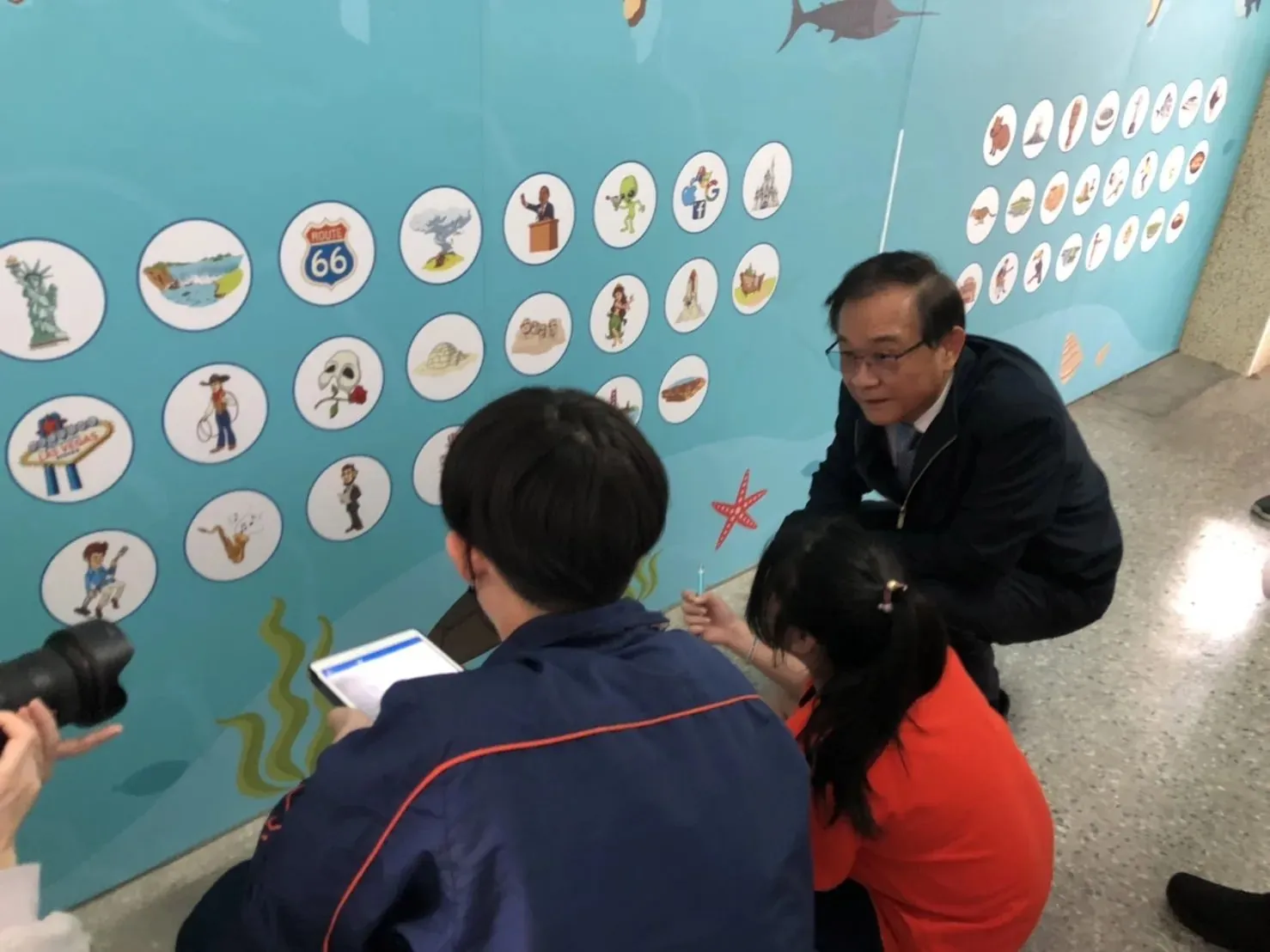
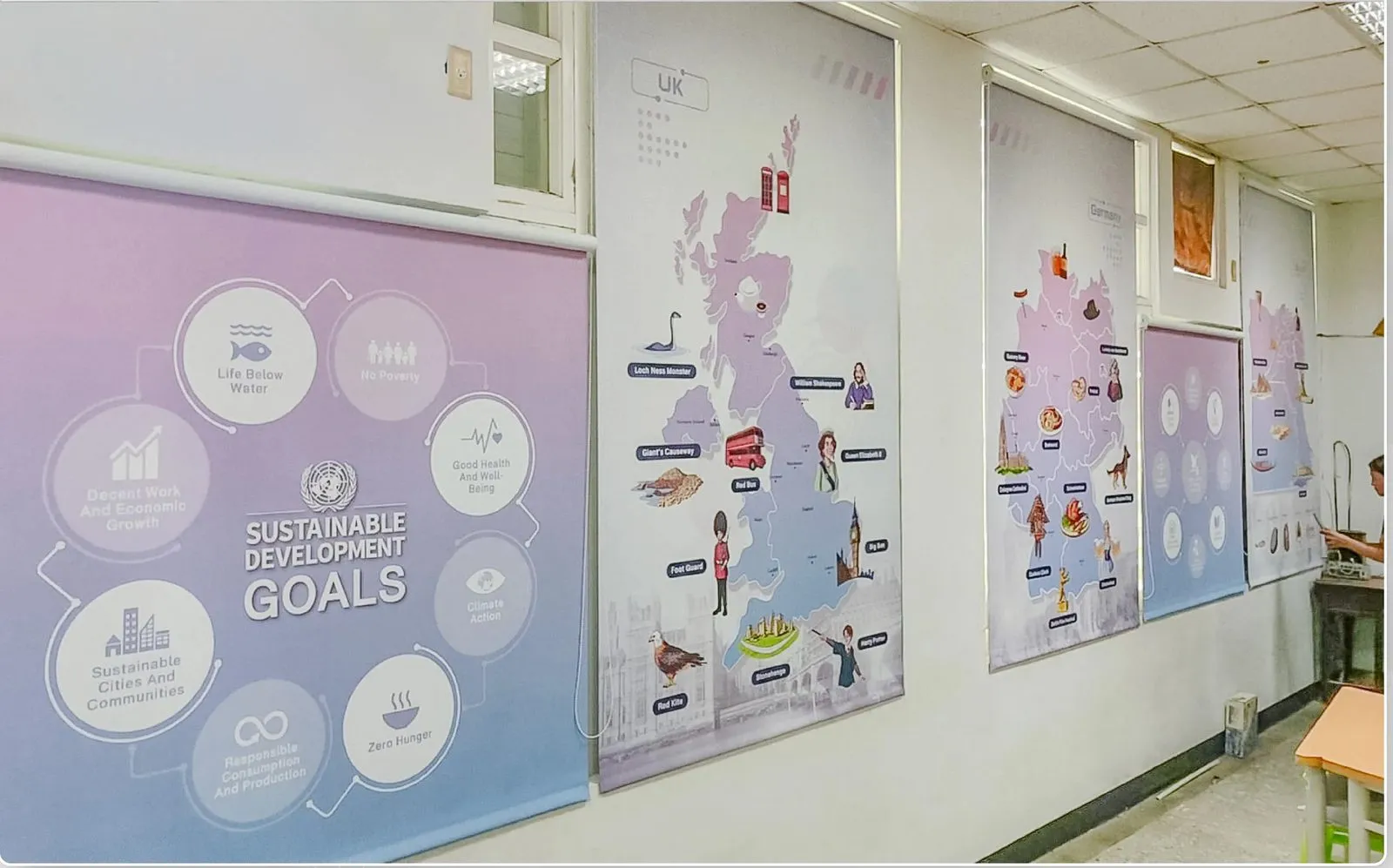
- International, world-culture and SDGs theme walls
- Themed classrooms with group seating and large screens
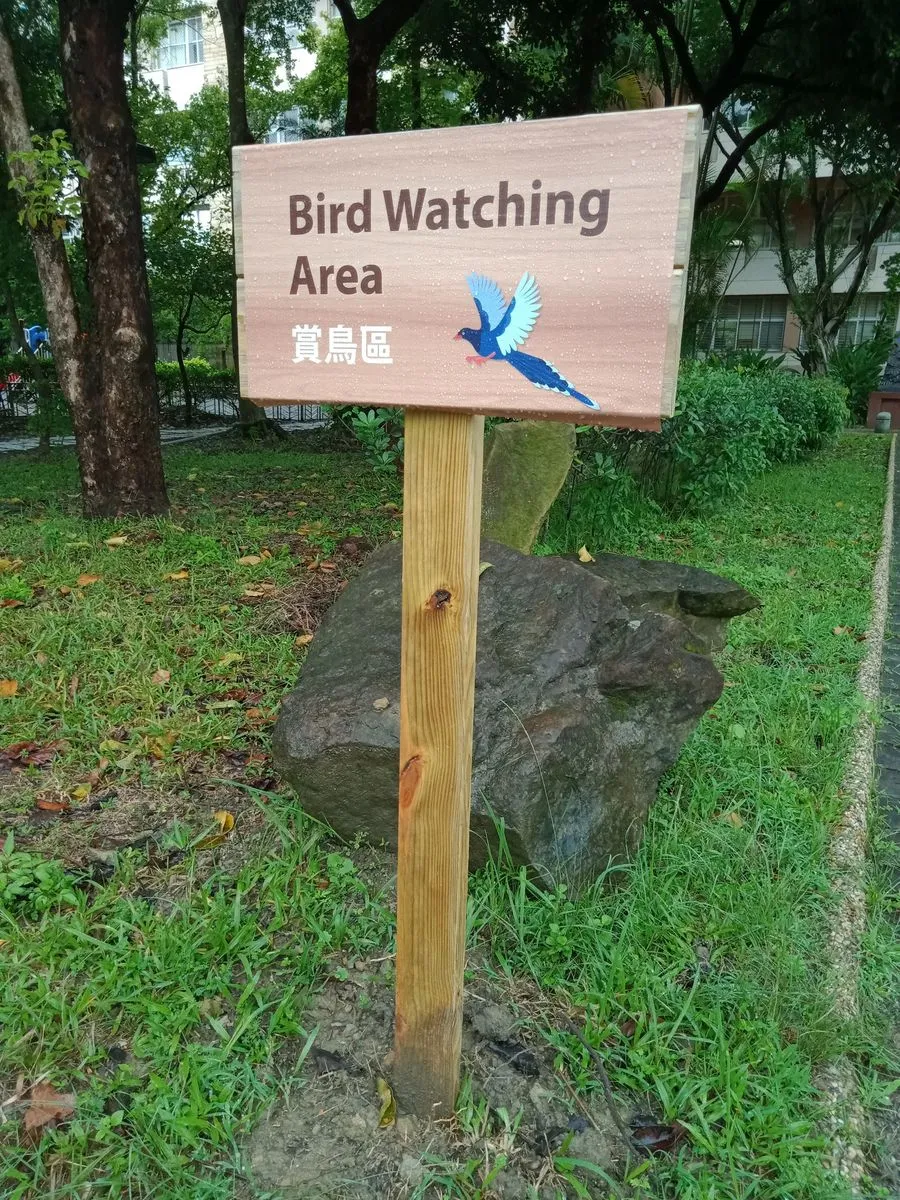
- Outdoor signposts linked to learning points in the app
Examples from schools
Customised Bilingual Smart Campus App
Our bilingual smart-campus app is customised for each school, from the content to the AR interactions. Working with the school's English teachers, and with local landmark sites where relevant, we design AR exploration missions around the school's own buildings, grounds and classrooms.
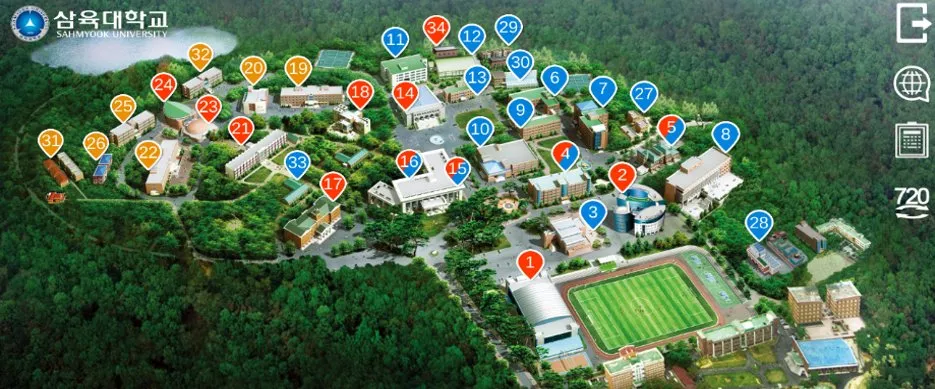
- Campus map: the school grounds with every learning point marked
- Illustrated vocabulary: theme words with explanations and pictures
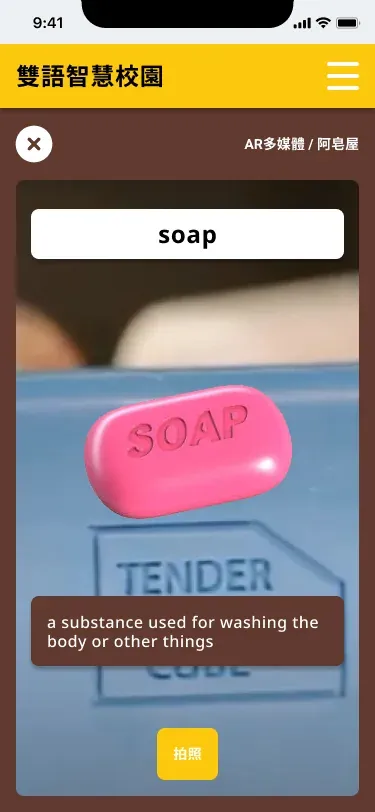
- AR multimedia: scan a target image to bring up a 3D model or a video
- Matching game: scan the right picture against the clock and get a score
- Exploration missions: level-by-level challenges with feedback
- Student login, account management, and learning records showing time spent and scores
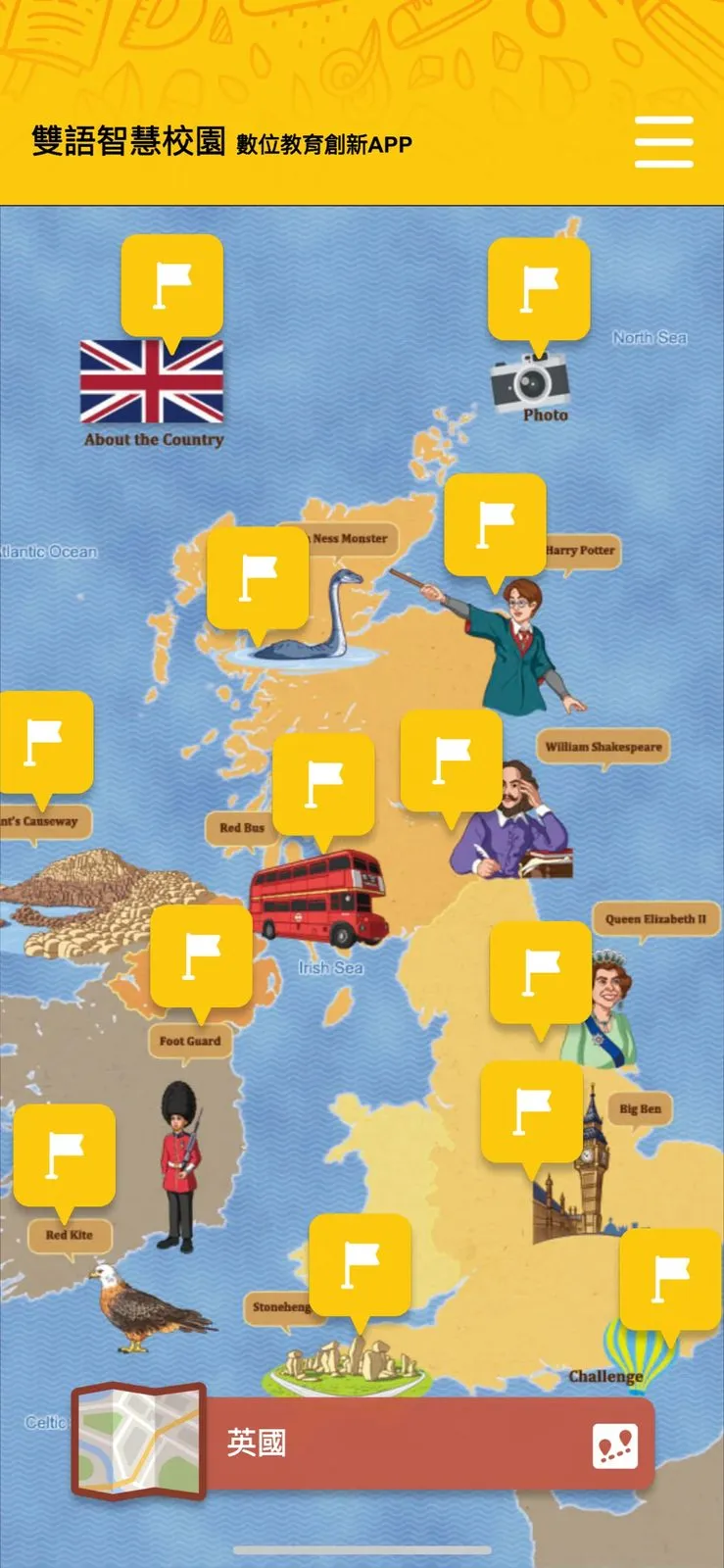
AR exploration missions in the Bilingual Smart Campus app
The app's plan, using Hinoki Village in Chiayi as an example.
Open the mission
Open the app and tap the Hinoki Village map.
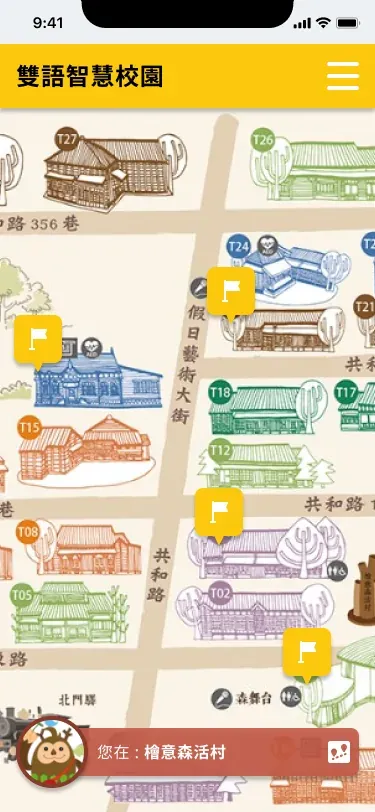
Choose a learning point
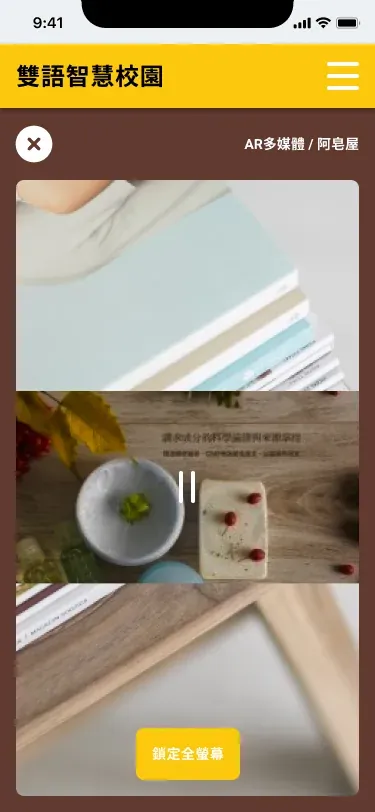
Choose the A-Zao soap shop and tap the AR multimedia function.

Video lesson
Scan the target image to watch the lesson video.
Scan objects on site
3D models, videos, images, sound and other lesson content appear on screen.
Custom campus videos and 720° tours
We also turn each school's stories and landmarks into bilingual video lessons, so students get to know their own campus as they explore it.
A 720° panoramic tour of the campus lets teachers teach English in class using the place students know best, and lets students explore the campus and learn English from home.
In schools today
Junior high schools have combined the app with "walk the world" corridors, where world-culture, SDGs and world-map walls become places to explore with a tablet. The projects have been featured in the Taiwanese press, including the Mandarin Daily News.